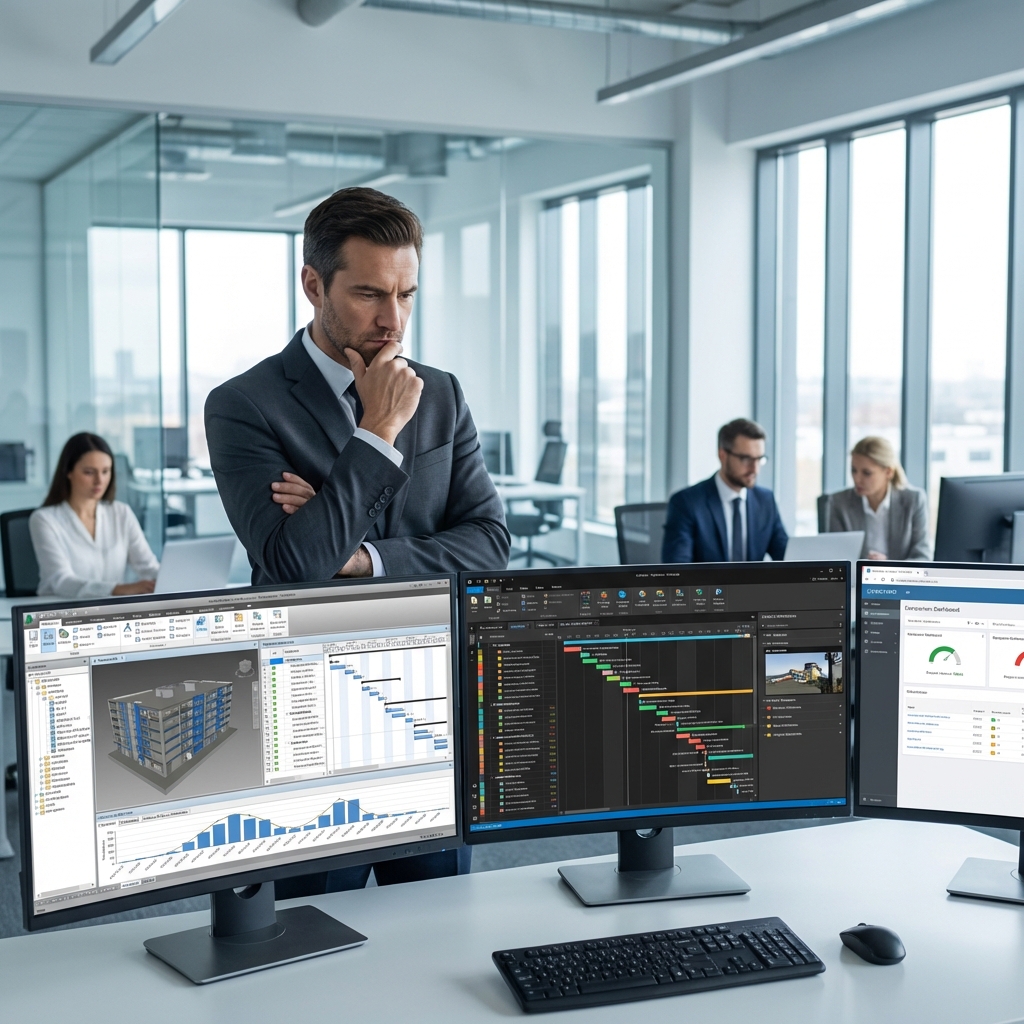
🎯 Introduction: The Most Important Question
In Part 1, you were convinced of 4D BIM's importance. Now comes the real question: "Which software should I choose?"
The market has 5 major programs. Each has features, drawbacks, and different use cases. Choosing the wrong program = wasting time and money.
BIM في قطاع البناء: الواقع والتطبيق العملي
نمذجة معلومات البناء (BIM) تحوّلت خلال العقد الماضي من مصطلح تقني متخصص إلى لغة مشتركة يتحدث بها معظم المهندسين والمقاولين والملاك في المشاريع الكبيرة حول العالم. لكن بين معرفة BIM نظرياً وتطبيقه بفعالية في المشاريع الحقيقية مسافة كبيرة يعبرها فقط من يمتلك الخبرة العملية والفهم العميق للعملية الإنشائية.
في منطقة الشرق الأوسط، يشهد BIM نمواً متسارعاً مدفوعاً بعوامل عدة: المتطلبات التنظيمية في الإمارات وقطر والسعودية التي تُلزم بـ BIM في المشاريع الكبيرة، ضخامة المشاريع التي تجعل التنسيق اليدوي مستحيلاً، وتوافر الكفاءات البشرية المؤهلة بشكل متزايد. كل هذه العوامل تجعل الاستثمار في تعلم BIM قراراً استراتيجياً للمهندس الذي يريد البقاء في طليعة سوق العمل.
مستويات نضج BIM (BIM Maturity Levels)
يُقاس مستوى تطبيق BIM في المؤسسات والمشاريع من خلال نموذج مستويات النضج (Maturity Model):
- المستوى 0 (Pre-BIM): رسومات 2D ورقية أو CAD بدون تبادل بيانات رقمي منظم.
- المستوى 1: بيئة CAD ثلاثية الأبعاد مع نمذجة جزئية وتبادل ملفات عبر CDE.
- المستوى 2 (BIM التعاوني): نماذج ثلاثية الأبعاد من تخصصات متعددة تُجمع للكشف عن التعارضات. هذا هو المستوى المطلوب في معظم اللوائح البريطانية والخليجية حالياً.
- المستوى 3 (OpenBIM): نموذج موحد متكامل تشاركي عبر بيئة بيانات مشتركة واحدة. لا يزال هذا المستوى طموحاً تسعى إليه كبريات الشركات والحكومات.
عوائق التطبيق وكيفية تجاوزها
المنظمات التي تُحاول تبني BIM تُواجه تحديات متعددة أبرزها: تكلفة الترخيص البرمجي المرتفعة، مقاومة التغيير من الموظفين المعتادين على الطرق التقليدية، الاحتياج لإعادة هيكلة سير العمل الداخلي، والتحدي الكبير في بناء كفاءات BIM ضمن الفريق. تجاوز هذه العوائق يتطلب التزاماً من الإدارة العليا وخطة تدريب منظمة وبدء بمشاريع تجريبية (Pilot Projects) صغيرة لبناء الثقة قبل التوسع.
مستقبل BIM: الذكاء الاصطناعي والتوأم الرقمي
المرحلة القادمة من BIM تتجه نحو التكامل مع الذكاء الاصطناعي (AI) والتوأم الرقمي (Digital Twin) وإنترنت الأشياء (IoT). ستصبح النماذج الرقمية كائنات حية تتغذى بالبيانات الحقيقية من أجهزة الاستشعار في المبنى وتُحدّث نفسها آلياً. هذا التطور سيُحوّل BIM من أداة تصميم إلى منصة إدارة حضارية شاملة للمباني والمدن بأكملها.
م. سامح بدوي سيد
مهندس مدني ومتخصص في BIM وإدارة المشاريع. خبرة في التخطيط وإدارة التكاليف في منطقة الشرق الأوسط. مؤسس منصة BIMitPlaniT.
Advertisement
💻 The Five Major Programs
1. Autodesk Navisworks Manage ⭐⭐⭐⭐
| Criterion | Details |
|---|---|
| Company | Autodesk |
| Annual Price | ~$2,500 (or within AEC Collection) |
| 4D Power | 8/10 - Good but not the strongest |
| Ease of Use | 9/10 - Easy and familiar interface |
| Integration | Excellent with Revit, AutoCAD, P6 |
✅ Advantages:
- Best Revit integration: If your project is Revit → This is your first choice
- Powerful Clash Detection: Not just 4D, you benefit from 3D coordination
- Large Community: Millions of users = tutorials + technical support
- File handling: Handles huge files (500+ MB) smoothly
- Simple TimeLiner: Learn it in one day
❌ Disadvantages:
- Relatively manual linking: Linking elements to activities takes time
- Limited reporting: 4D reports aren't as powerful as Synchro
- No resource simulation: Can't simulate labor and equipment
🎯 Suitable for:
- Autodesk projects (Revit/AutoCAD)
- Offices needing Clash Detection + 4D together
- Beginner team in 4D
- Limited budget (especially if you have AEC Collection)
2. Bentley Synchro Pro ⭐⭐⭐⭐⭐
| Criterion | Details |
|---|---|
| Company | Bentley Systems |
| Annual Price | ~$3,500-4,000 |
| 4D Power | 10/10 - 🏆 Strongest in market |
| Ease of Use | 7/10 - Steeper learning curve |
| Integration | Excellent with all programs (Revit, P6, Tekla, ...) |
✅ Advantages (Many!):
- Strongest 4D in market: Originally designed for 4D, not an add-on feature
- Resource Simulation: Simulates labor, equipment, materials
- Site Logistics Planning: Where to place crane? Truck routes? Everything
- 5D Integration: Direct cost linkage
- Professional Reporting: Ready reports for owner/management
- What-if Scenarios: Try 10 scenarios and compare
❌ Disadvantages:
- Price: 40% more expensive than Navisworks
- Learning curve: Need about 2 weeks to master
- Less common: Less widespread = less technical support
🎯 Suitable for:
- Large and complex projects (airports, stations, bridges)
- Need detailed logistics planning
- Professional team in 4D
- Quality more important than price
Advertisement
3. Trimble Vico Office ⭐⭐⭐⭐
Unique Feature: Integrated 4D + 5D in one program!
| Criterion | Details |
|---|---|
| Annual Price | ~$4,000 |
| 4D Power | 8/10 |
| 5D Power | 9/10 - Very strong in 5D |
✅ Advantages:
- Location-based scheduling: Planning by location (excellent for towers)
- Cost integration: Direct link to each activity's cost
- Production tracking: How many m³ per day?
❌ Disadvantages:
- Somewhat dated UI
- Less widespread than Navisworks/Synchro
🎯 Suitable for:
- Projects needing 4D + 5D together
- Residential/commercial towers (Location-based)
4. Kalloc Studios Fuzor ⭐⭐⭐
Unique Feature: VR/AR + Real-time Revit link!
| Price | $2,000/year |
|---|---|
| 4D Power | 6/10 - Weaker than competitors |
| VR/AR | 10/10 - The best |
✅ Advantages:
- Real-time link with Revit: Change in Revit → appears instantly
- VR support: Owner walks through the project!
- Gamification: Interactive interface
❌ Disadvantages:
- 4D weaker than Navisworks
- Needs powerful GPU (Gaming PC)
🎯 Suitable for:
- Impressive presentations for owner
- Luxury projects needing VR experience
5. Elecosoft Asta Powerproject BIM ⭐⭐⭐
Unique Feature: Scheduling + 4D in one program!
| Price | ~$1,800/year - Cheapest! |
| 4D Power | 6/10 |
✅ Advantages:
- Very competitive price
- Scheduling built-in (don't need P6)
❌ Disadvantages:
- Limited model handling
- Much weaker 4D capabilities
🎯 Suitable for:
- Small-medium projects
- Very limited budget
📊 Comprehensive Comparison Table
| Criterion | Navisworks | Synchro | Vico | Fuzor | Asta |
|---|---|---|---|---|---|
| Price/year | $2,500 | $3,500 | $4,000 | $2,000 | $1,800 |
| 4D Power | 8/10 | 10/10 | 8/10 | 6/10 | 6/10 |
| Ease | 9/10 | 7/10 | 7/10 | 8/10 | 8/10 |
| Clash Detection | ✅ Excellent | ✅ Good | ⚠️ Limited | ⚠️ Limited | ❌ None |
| Logistics | ⚠️ Limited | ✅ Excellent | ✅ Good | ❌ None | ❌ None |
| 5D Integration | ⚠️ Limited | ✅ Good | ✅ Excellent | ❌ No | ✅ Good |
| VR/AR | ❌ No | ⚠️ Limited | ❌ No | ✅ Excellent | ❌ No |
| Final Verdict | Best Overall | Technically Strongest | 4D+5D Together | For Impressive Presentations | Cheapest |
Advertisement
🤔 How to Choose? (Decision Tree)
🎯 Follow this flowchart:
Question 1: Do you have Revit and need Clash Detection?
├─ Yes → Navisworks ✅
└─ No → Question 2

Question 2: Is the project large and complex (airport, station, bridge)?
├─ Yes → Synchro Pro ✅
└─ No → Question 3

Question 3: Do you need 4D + 5D together?
├─ Yes → Vico Office ✅
└─ No → Question 4

Question 4: Do you need VR/AR presentation for owner?
├─ Yes → Fuzor ✅
└─ No → Question 5

Question 5: Very limited budget?
├─ Yes → Asta Powerproject ✅
└─ No → Go back to Question 1!
💡 Expert Tips
1. Don't Buy Before Testing
All programs offer free 30-day trial. Use it:
- Try on a real project (even old)
- Test the complete workflow
- Evaluate: Did it actually save time?
2. Training More Important Than Software
Best software in untrained hands = failure.
Average software in expert hands = 100% success.
3. Think Future
What are your needs in 2 years?
- Will expand to 5D? → Vico or Synchro
- Will projects get bigger? → Synchro
- Will stay same? → Navisworks sufficient
📝 Conclusion: My Personal Recommendations
| Scenario | Recommendation |
|---|---|
| 90% of offices | Navisworks - Safe and balanced choice |
| Mega projects | Synchro - Invest in it, worth it |
| Need 4D+5D | Vico - Complete solution |
| Zero budget | Start with Navisworks Trial (30 days) then decide |
⚡ My Honest Opinion:
If beginner → Navisworks
If professional → Synchro
If confused → Start with Navisworks, after a year move to Synchro
📚 Complete 4D BIM Series:
- Part 1: The Silent Revolution ✅
- Part 2: Choosing the Right Tool (You are here) ✅
- Part 3: Practical Workflow 🔜
- Part 4: Complete Case Study